
SHAREit
SHAREit is a free Windows app from the SHAREit Team for moving photos, videos and documents between a PC and a phone. The current version is 5.1.0.7.
22.7 MB

4.1.9.4 · Drive The Life Co., Ltd. · Page updated
OSToto Hotspot, formerly known as 160WiFi, is a free Windows program that shares a PC's internet connection as a Wi-Fi hotspot for other devices.
Average 0.0 · ratings: 0
Thank you! Your rating is saved; you can change it. Could not save the rating. Please try again later. Too many ratings from your network today. Please try again tomorrow. The average appears after 5 ratings.
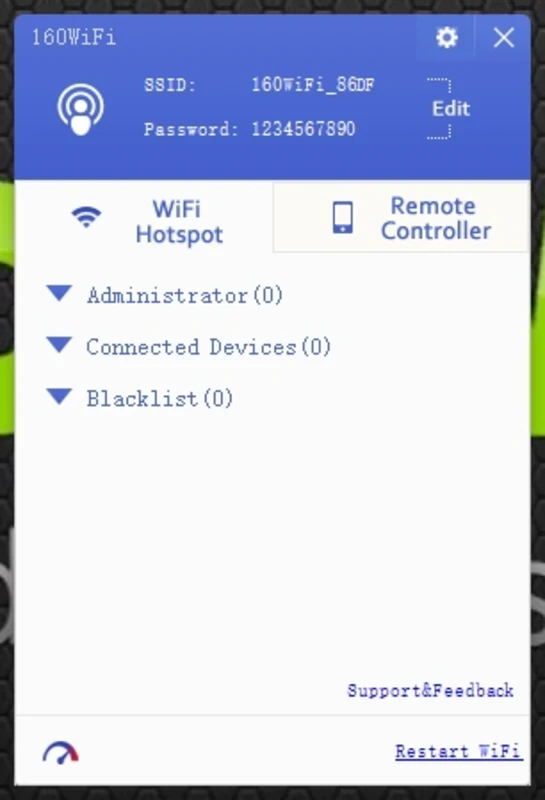
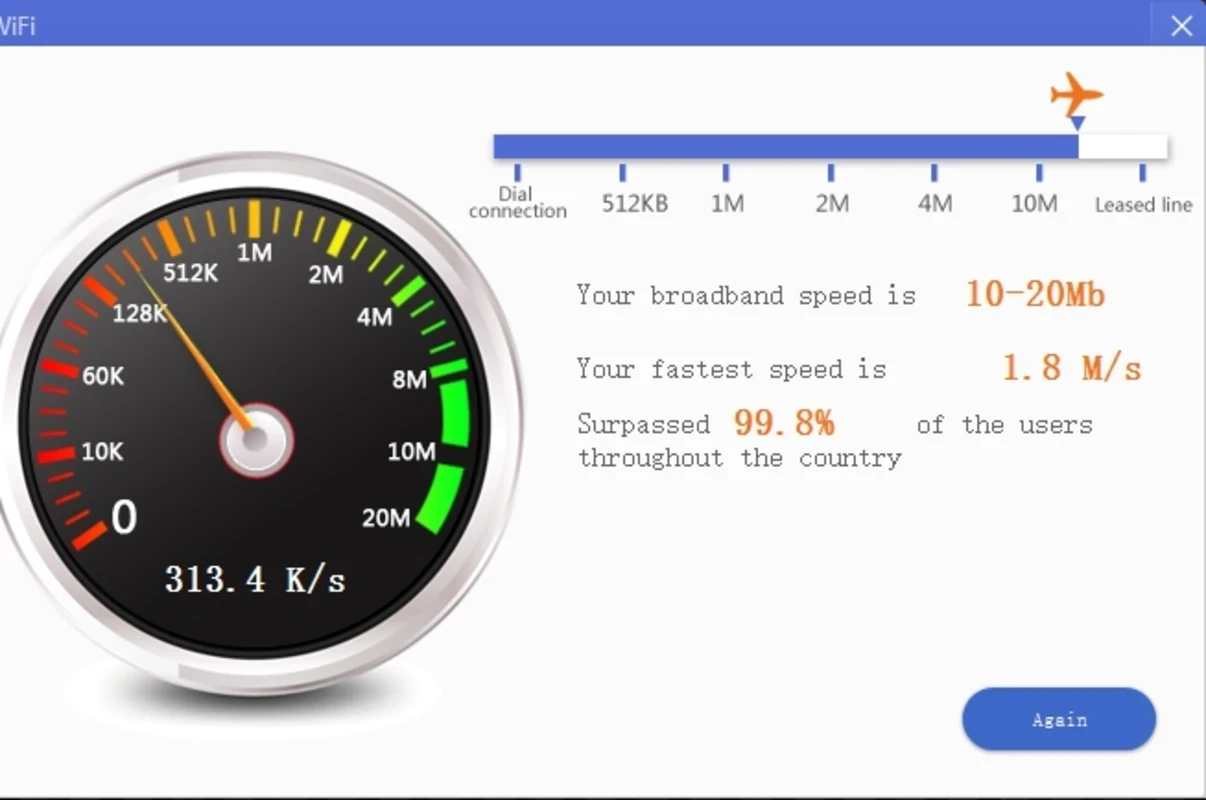
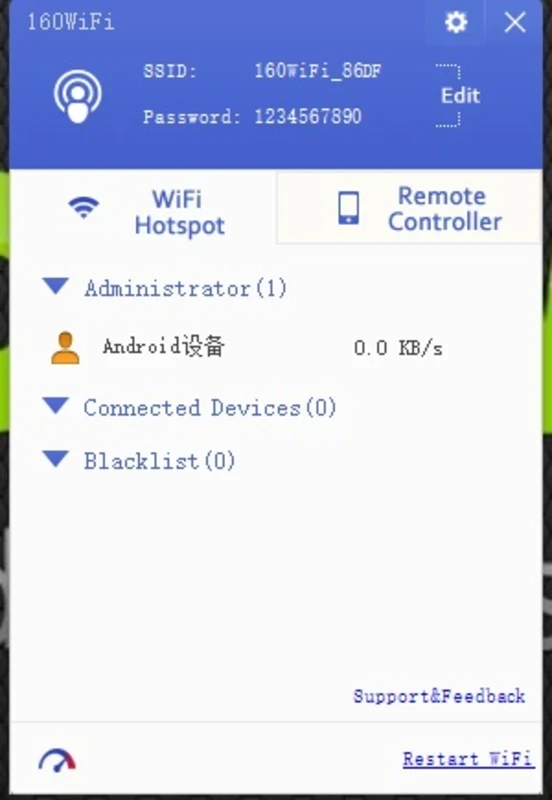
OSToto Hotspot 4.1.9.4 is a free Windows program from Drive The Life Co., Ltd., also known under its older name 160WiFi. It turns a laptop or PC with a Wi-Fi adapter into a wireless hotspot so that phones, tablets and other computers can use its internet connection. You can download OSToto Hotspot for Windows free of charge; there is no official website in our data, so choose the source carefully.
The idea is simple. Your PC is online, perhaps through a network cable in a hotel room, a USB modem or an office connection, while your phone has no Wi-Fi to join. OSToto Hotspot creates a new wireless network from the PC's Wi-Fi adapter, with a name and password you choose, and passes traffic from connected devices through to the internet. The program wraps this in a simple window where you can see which devices are connected. Windows has had a built-in mobile hotspot feature for some time, and on many PCs it does the same job without extra software, so try that first. A separate program can still help on PCs where the built-in option is missing or behaves unpredictably. Whether any hotspot works depends on the Wi-Fi adapter and its driver; some adapters cannot broadcast a network while they are connected to another one.
The download is about 9.38 MB according to catalogue data.
Update the Wi-Fi driver from the laptop maker's website, make sure the adapter is switched on, and try sharing a wired connection instead of Wi-Fi. Firewalls and VPN software can block sharing; pause them to test. Restarting the PC after installation also helps the virtual adapter appear correctly.
| Item | Details |
|---|---|
| Version | 4.1.9.4 |
| Developer | Drive The Life Co., Ltd. |
| Platform | Windows |
| Licence | free |
Other hotspot tools in our listings are Connectify Hotspot and Free WiFi Hotspot. To watch the traffic of the shared connection, NetSpeedMonitor or Wireless Network Watcher can help.
SHAREit is a free Windows app from the SHAREit Team for moving photos, videos and documents between a PC and a phone. The current version is 5.1.0.7.

Zapya for Windows is a free file transfer app from DewMobile for moving files between a PC and phones over a local wireless connection.

Easy Connection to Screen is Samsung's Windows app for showing a PC's screen on a compatible Samsung TV over a wireless connection.

Internet Download Manager (IDM) is a shareware download manager for Windows from Tonec that accelerates, resumes and schedules downloads.

uTorrent (μTorrent) is a small BitTorrent client for Windows from Rainberry (BitTorrent Inc) for downloading and sharing files over torrents.

AnyDesk is a remote desktop application for connecting to and controlling another computer over the internet, from a small Windows program.

ShareMe is Xiaomi's free app for sending files between devices without a cable; on Windows the Android app runs only inside an emulator.

Xender is a free file sharing app from the Xender File Sharing Team for sending files between phones and computers over a local connection.